
None
None
Long Story Video Skill
Turn your idea into 10s–10min video—AI writes scripts, prompts, and generates footage automatically.

Ads Video Skill
Generate professional ads and sales videos—AI auto-generates scripts, prompts, and footage.
3D Science Explainer Video Skill
Convert scientific concepts into stunning 3D explain animations
Feedback
Vidu Q4
Feed Vidu Q4 as many as 15 stills or a lone photo and it returns a 3–16 second multi-shot sequence in 2K or 4K, voices included.
All Tools
Discover our comprehensive AI-powered animation toolkit
MiniMax H3
MiniMax H3 AI Video Generator
Seedance 2.5
The Future of AI Video Is Here.

Seedance 2.0
The Future of AI Video Is Here.

Kling 3.0
Next-Gen AI Video Generator
Grok Video Generator
Create Videos from Text or Images with AI
MiniMax H3 video generator
MiniMax H3 AI Video Generator

Seedance 2.0
The Future of AI Video Is Here.
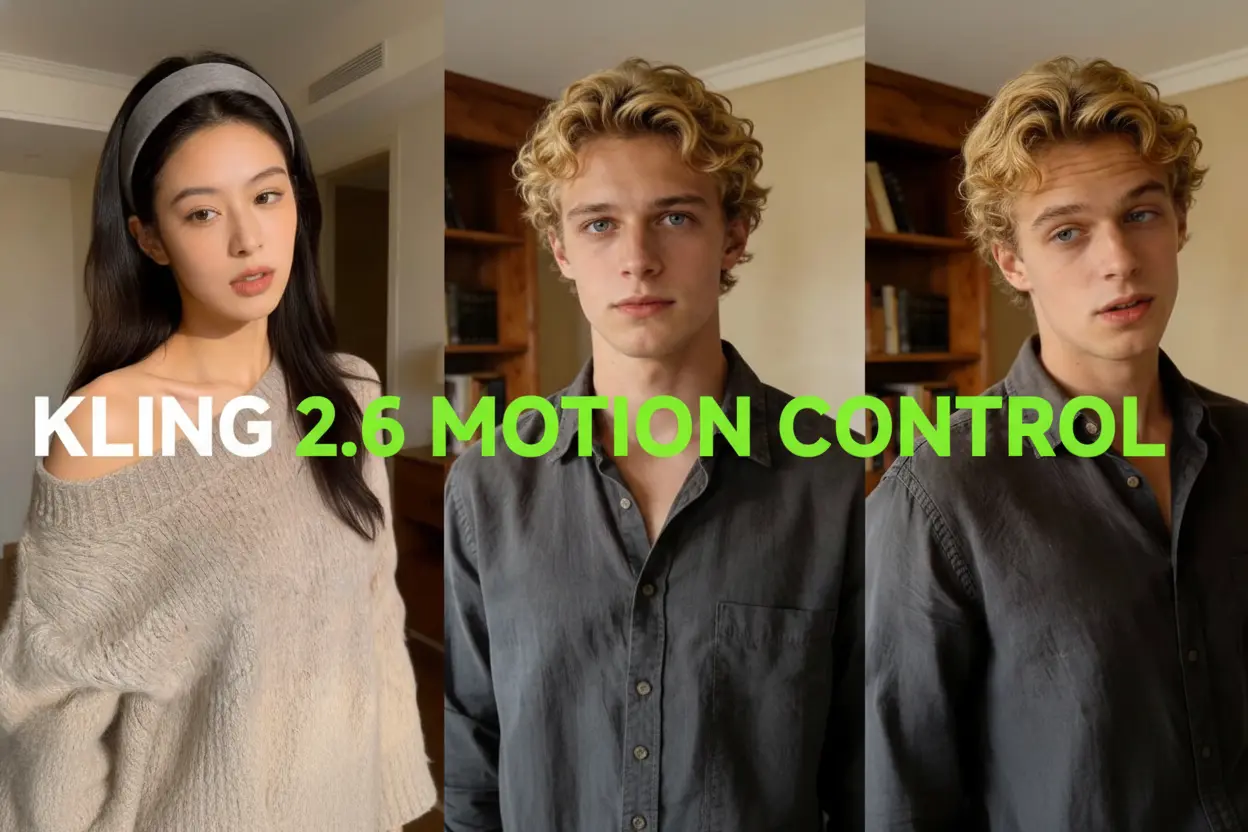
Kling Motion Control
Turn reference images into amazing motion videos in minutes
One Model, Two Paths: Photo-Led and Prompt-Led Video in Vidu Q4
Hand Vidu Q4 a set of pictures plus optional audio, and it shapes a single continuous scene — you never have to touch a timeline.
- Mix Up to Fifteen StillsStack characters, locations and art styles drawn from as many as fifteen source pictures, and the whole idea arrives in a single render.
- Voices That Match the FaceAttach as many as three audio samples and the character speaks in that timbre, with lip movement and mood lining up with the frame.
- Sixteen Seconds, Several Shots, One PassCamera sweeps and shot changes flow into each other across a sixteen-second story, delivered at 2K or 4K without jarring cuts.
Running Vidu Q4 in Three Steps
Start with a pile of stills or a single frame, finish with a ready multi-shot video.
What Vidu Q4 Brings to the Table
Picture referencing, voice matching and demanding action scenes all sit inside one workflow, from first upload to final export.
Up to Fifteen Reference Frames
Lock in faces, sets and visual styles by supplying as many as fifteen pictures to a single render.
Voice Matching With Lip-Sync
Three audio samples are enough to carry a character's tone, with expression and mouth shapes kept in step.
Sixteen-Second Shot Sequences
String several shots into a sixteen-second arc where the camera glides and transitions never snap.
Original Ratio, 2K or 4K
Whatever frame you upload keeps its own proportions, rendered from three to sixteen seconds at 2K or 4K.
Fluid Fight and Run Scenes
Fast combat, sprinting and chase footage hold together, with fewer warped limbs and stuttered frames.
Believable Fire and Particle FX
Blasts, sparks and glowing energy read as real, packed with fine detail that lands harder on screen.
Vidu Q4 Questions, Answered
What people ask most about making videos with Vidu Q4.
How many pictures can I feed Vidu Q4 at once?
Fifteen is the ceiling. Mix and match them to define who appears, where the scene sits and how it looks, all within one run.
Does Vidu Q4 match a voice to the lips on screen?
It does. Supply as many as three samples and the spoken tone follows the character, with mouth movement and feeling kept in sync.
How long can a Vidu Q4 clip run, and at what quality?
Expect anywhere from three to sixteen seconds, exported at 2K or 4K; the reference mode can stretch to a full sixteen-second multi-shot story.
Will my photo's shape be preserved in the output?
Yes — the finished video keeps the proportions of the frame you uploaded, at 2K or 4K across three to sixteen seconds.
Can it handle fast motion, fights and big effects?
Demanding motion like combat or sprinting stays clean, and blasts, sparks and energy effects come out looking natural rather than synthetic.
My account was blocked — what should I do?
Blocks usually trace back to unusual activity, a terms issue or a security flag. Write to support@vidu.com and the team will look into it.
Start Creating With Vidu Q4
Load your stills, drop in a few voice samples, and watch Vidu Q4 deliver a multi-shot clip of three to sixteen seconds at 2K or 4K.