
Feedback
Bulin 47 AI Video Generator
Swap the lead dancer in any freestyle clip with a single photo — the Bulin 47 AI Video Generator keeps the beat, camera and crowd untouched.
All Tools
Discover our comprehensive AI-powered animation toolkit
MiniMax H3
MiniMax H3 AI Video Generator
Seedance 2.5
The Future of AI Video Is Here.

Seedance 2.0
The Future of AI Video Is Here.

Kling 3.0
Next-Gen AI Video Generator
Grok Video Generator
Create Videos from Text or Images with AI
MiniMax H3 video generator
MiniMax H3 AI Video Generator

Seedance 2.0
The Future of AI Video Is Here.
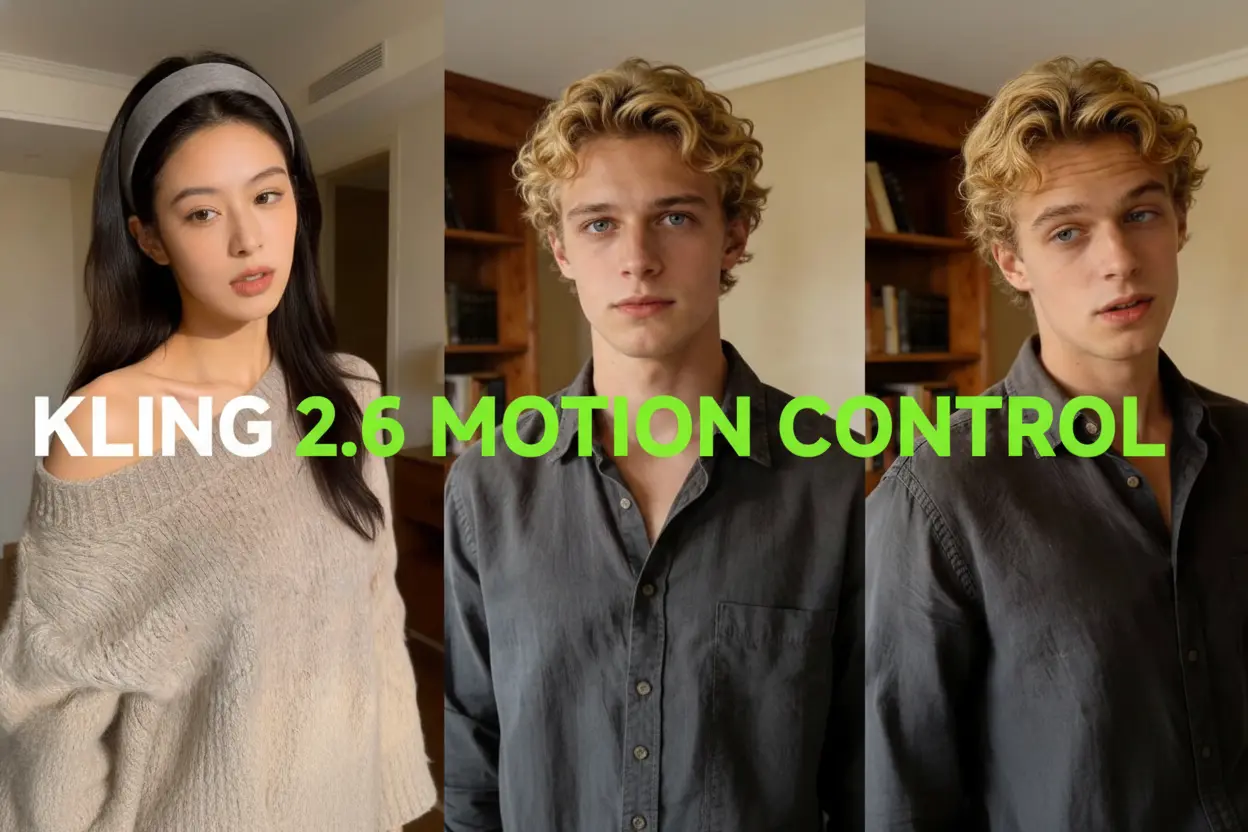
Kling Motion Control
Turn reference images into amazing motion videos in minutes
What Sets the Bulin 47 AI Video Generator Apart
Everything here centres on one preloaded routine: hand over a single portrait and your character steps into the spotlight, while the routine's steps, tempo and lens work are left exactly as they were.
- Swap the Lead With a Single PortraitThe routine already on screen still drives every gesture, tempo shift and lens move, so one picture of your character is all you hand over to take the starring role.
- Speaker and Crowd Staging Built InThe surroundings come ready-made — the performer up front, the portable speaker, the onlookers and the camera path are all meant to survive the swap without a second upload.
- Source Tempo and Audio RecoveryNo fresh soundtrack gets generated; instead the pipeline attempts to bring the clip's original audio back on delivery, and that step can fail on its own — always listen before you post.
Three Steps With the Bulin 47 AI Video Generator
Turn a single portrait into a finished freestyle video through a short, straightforward workflow.
What the Bulin 47 AI Video Generator Can Do
One portrait in, one finished video out — lead swapping, scene preservation, audio recovery and tweakable instructions bundled into a single preset.
Only Your Photo Casts the Lead
The performer out front is defined solely by the image you upload, while the person holding the speaker and everyone in the crowd keep their original look.
Looks Carried Over From Your Image
Hair, outfit, build and visible accessories are taken from your picture, while the preloaded footage decides how the body actually moves.
Motion and Timing Come From the Source
Nothing needs filming: the routine's movement and pacing are inherited from the original clip, so there is no choreography to learn and no shots to stitch together.
Speaker and Crowd Kept Intact
The preset instructs the model to preserve the performer up front, the portable speaker, where the crowd stands and the way the camera travels through the scene.
Audio Recovery, Reported Honestly
Picture comes first and sound second: no new soundtrack is requested, and the system later tries to bring the original audio back, reporting its own status along the way.
Rewrite the Prompt Yourself
A toggle inside Settings exposes the preset wording so you can reword it, though stacking too many conflicting edits tends to weaken the face swap.
Bulin 47 AI Video Generator: Questions Answered
Straight answers on the Bulin 47 AI Video Generator, covering portrait requirements, crowd handling and what happens to the audio.
Which Part of the Clip Gets Replaced?
The lead dancer standing behind the person with the portable speaker is the one swapped out — your picture sets the new look, the footage sets the movement.
Is a Second Photo Needed for the Crowd or Room?
Not at all. The person up front, the portable speaker, the onlookers and the camera path all stay as they are, so a single character photo covers it.
Which Portrait Gives the Best Result?
A crisp, evenly lit shot of one person with hair, clothing and upper body clearly visible; skip heavy filters and busy backgrounds.
Does an Illustrated or Fictional Character Work?
It does, provided you hold the necessary rights — keep in mind that stylised proportions may shift once the character starts moving.
What Happens to the Soundtrack?
After the edit, the workflow attempts to restore the source audio; no voice is ever synthesised, lip shapes may not line up, so listen through before sharing.
Can the Preset Be Edited, or Another Motion Source Used?
The custom prompt switch lets you adjust the preset wording; for a different scene or motion source, head to the AI Video workspace instead.
Make the Freestyle Yours With the Bulin 47 AI Video Generator
Pick the portrait you want in the lead, sign in to check the credit estimate, then open My creations to review and download the clip produced by the Bulin 47 AI Video Generator.