
Gemini 3.1 Flash TTS
Turn any script into lifelike, emotionally rich speech with Gemini 3.1 Flash TTS — inline audio tags, 70+ languages, and multi-speaker scenes in one click.
Support
Pro AI Tools
Explore elite tools
MiniMax H3
MiniMax H3 AI Video Generator
Seedance 2.5
The Future of AI Video Is Here.

Seedance 2.0
The Future of AI Video Is Here.

Kling 3.0
Next-Gen AI Video Generator
Grok Video Generator
Create Videos from Text or Images with AI
MiniMax H3 video generator
MiniMax H3 AI Video Generator

Seedance 2.0
The Future of AI Video Is Here.
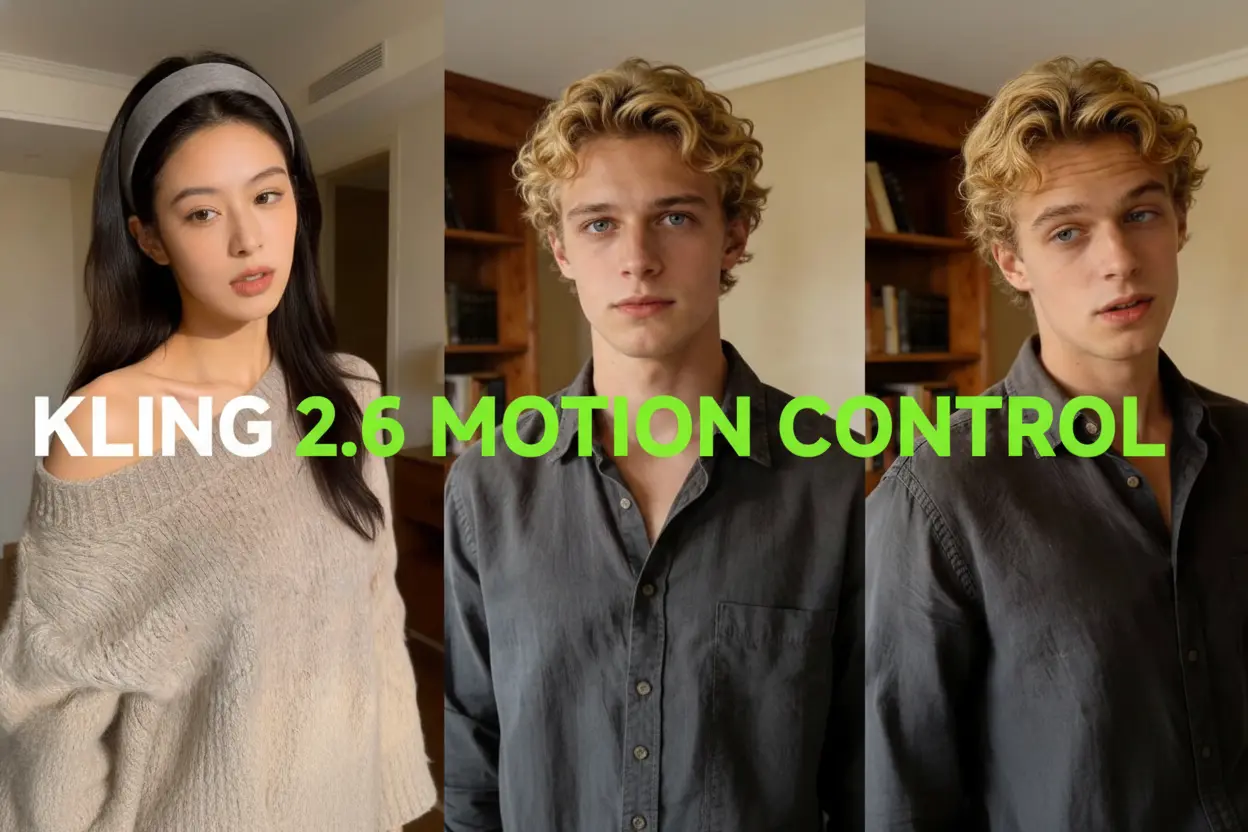
Kling Motion Control
Turn reference images into amazing motion videos in minutes

What Makes Gemini 3.1 Flash TTS Different
Google's Gemini 3.1 Flash TTS reads written copy the way a performer would — with emotion, pauses, and emphasis you direct yourself. More than 200 inline tags, plain-language style notes, and 70+ languages turn a rough draft into release-ready narration.
- More Than 200 Inline TagsDrop cues like [whispers] or [laughs] straight into your copy, and Gemini 3.1 Flash TTS performs each one exactly where you placed it.
- Direction in Everyday WordsSkip technical sliders — tell Gemini 3.1 Flash TTS who is speaking, where the scene sits, and how the mood should shift, and the delivery follows.
- Fluent in 70+ LanguagesLocalize audiobooks, ads, and product demos across more than 70 languages with Gemini 3.1 Flash TTS, keeping the same expressive range in each.
How to Run Gemini 3.1 Flash TTS in Four Steps
Turn a rough draft into polished, well-paced narration with this Google voice model — no recording booth required.
What Gemini 3.1 Flash TTS Does Best
From sentence-level direction to full multi-speaker scenes, Gemini 3.1 Flash TTS packs professional audio control into one straightforward text-to-speech workflow.
Clearer, More Human Delivery
Pronunciation comes out sharper and vocal color richer than in earlier Google speech engines, so long passages stay easy to listen to.
Cues That Live in Your Text
Over 200 bracketed tags let you whisper, shout, pause, or laugh at an exact word when working with Gemini 3.1 Flash TTS.
Conversations, Not Monologues
Give each character a separate voice, accent, and pace, then let Gemini 3.1 Flash TTS perform the entire exchange in a single render.
Style Notes in Plain Language
Describe the setting, the speaker's background, or the mood, and Gemini 3.1 Flash TTS translates that note into audible character.
Global Style, Local Tweaks
Set one tone for the whole project, then override individual sentences whenever a scene calls for a shift in energy.
Audio You Can Publish
Export narration fit for audiobooks, assistants, and campaigns with Gemini 3.1 Flash TTS — no extra licensing step required.
Gemini 3.1 Flash TTS: Common Questions
Straight answers to what people ask most about Gemini 3.1 Flash TTS and how its expressive text-to-speech features work in practice.
What exactly is Gemini 3.1 Flash TTS?
A Google text-to-speech model that turns written copy into high-fidelity speech while letting you direct tone, emotion, timing, and speaking style.
How do audio tags work?
You write a cue such as [whispers], [shouting], or [urgency] directly into the script, and Gemini 3.1 Flash TTS applies that expression to the words that follow.
Which languages are supported?
More than 70. That range makes Gemini 3.1 Flash TTS practical for audiobooks, voice assistants, and campaigns aimed at multilingual audiences.
Can one render include several speakers?
Yes. Each speaker gets an independent profile — voice, accent, pace, and style — inside a single Gemini 3.1 Flash TTS generation.
How do I steer the delivery?
Write a plain-language note about the character, setting, and mood, then fine-tune specific lines with inline tags in Gemini 3.1 Flash TTS.
Can I use the audio commercially?
Yes. Output from Gemini 3.1 Flash TTS is cleared for commercial work such as audiobooks, interactive agents, and enterprise voice content.
Give Your Script a Voice with Gemini 3.1 Flash TTS
Creators everywhere use this expressive Google model to turn drafts into finished narration. Open the studio and render your first line with Gemini 3.1 Flash TTS today.