
Feedback
AI Video Recast
Turn any clip you admire into your own version — drop in your character, product or scene while the original motion and camera timing stay intact.
All Tools
Discover our comprehensive AI-powered animation toolkit
MiniMax H3
MiniMax H3 AI Video Generator
Seedance 2.5
The Future of AI Video Is Here.

Seedance 2.0
The Future of AI Video Is Here.

Kling 3.0
Next-Gen AI Video Generator
Grok Video Generator
Create Videos from Text or Images with AI
MiniMax H3 video generator
MiniMax H3 AI Video Generator

Seedance 2.0
The Future of AI Video Is Here.
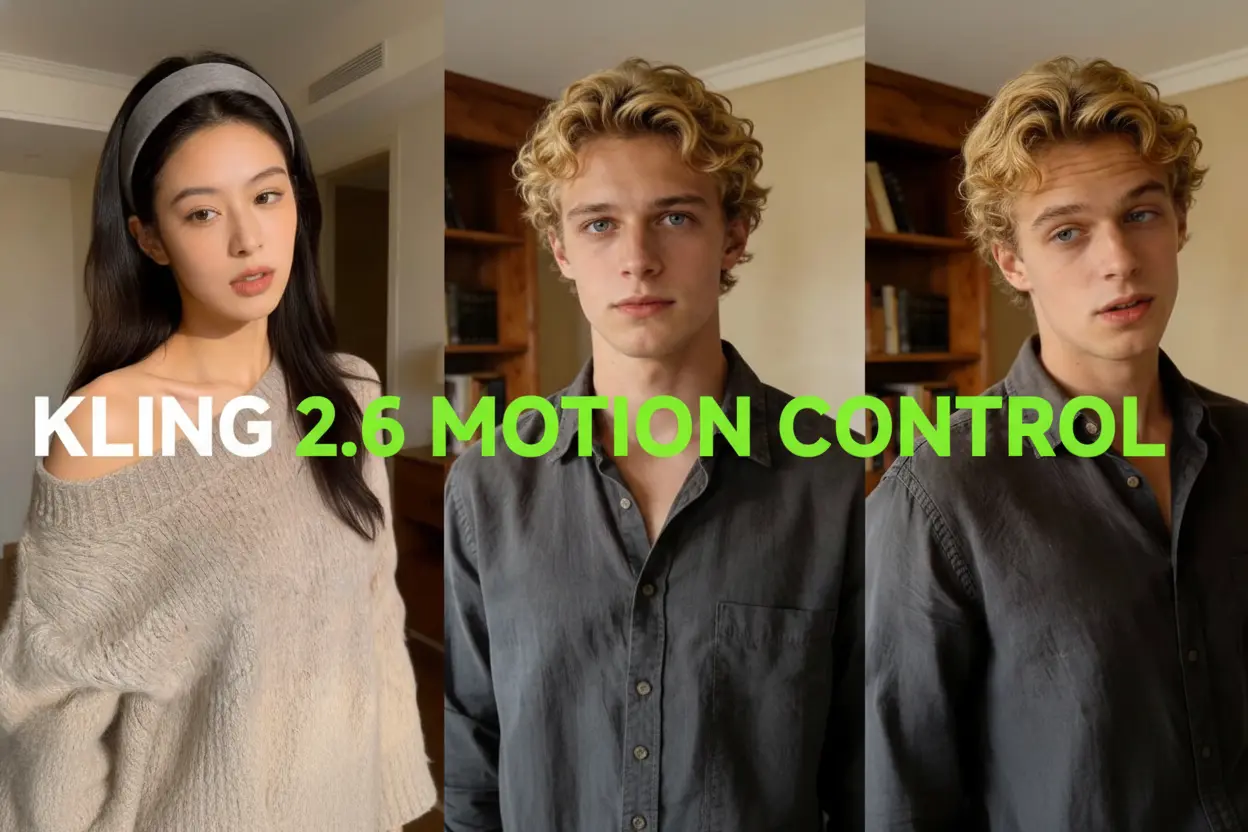
Kling Motion Control
Turn reference images into amazing motion videos in minutes
A Borrowed Clip, Rebuilt Around Your Brand
Take a video whose motion, cuts and pacing you already like, then swap in your own character, product or location — the timing stays, the story becomes yours.
- Star Your Own CharacterPlace an OC, mascot, pet or avatar inside a scene you already like and let it carry the whole performance.
- Put Your Product Center StageYour item takes over a borrowed reveal, a creator-style gesture or a sweeping camera move.
- Turn One Clip Into a Whole RunA single strong reference can spawn many versions — fresh faces, different items, new worlds or market-specific cuts.
How AI Video Recast Turns a Reference Into Your Cut
Pick a clip, add your images, export — the whole job takes only a few minutes.
Built for Trend Clips, Launches and Local Markets
Whether you are chasing a trend or rolling a campaign across regions, the original movement stays and only the cast changes.
Motion and Timing Stay Put
Action, camera moves, cuts and beats are carried over from the source, so your new cast moves exactly like the original — stitch takes later in an AI video editor.
Your Set, Your Product, Your Place
Tell the tool which character, item, prop or location should own the frame; the scene is rebuilt around those photos, and a video enhancer can clean up soft details.
No Shot List Required
The reference already holds the choreography, so a single line of guidance can relocate the scene, change an outfit or reset the mood.
Ride Trends With Your Own Face
Slot a character into a dance or meme format people already recognize, keep the staging, and angle the post toward your own audience.
Launches Built Around One Item
Set your product inside a reveal or creator-style gesture that shows it working, giving launches and seasonal promos a sharper opener; pair with clone video ads for a full campaign.
One Shoot, Many Markets
Re-run the same movement with regional faces, items or backdrops so every market sees something familiar without a reshoot, then reshape each cut with AI video reframe.
AI Video Recast Questions, Answered
Everything you might ask before swapping your own cast, product or setting into a clip.
What exactly does AI Video Recast do?
It takes footage whose movement and pacing you like and rebuilds it for your own story or brand. You provide the character, product or setting, while the source supplies the choreography and camera work.
How do I get the best result from a reference clip?
Start with footage whose gesture, transition or reveal already has the energy you want, then upload sharp, well-lit replacement photos and one line of guidance. You never have to write out the choreography.
What does a recast cost in credits?
Every render draws on a credit balance, and the amount varies with the model, clip length, output count and resolution you choose. Free allowances and paid plans are both on offer.
How is this different from a standard text-to-video tool?
Text-to-video starts from nothing and asks you to invent everything. Here the performance, camera moves, cuts and rhythm already exist in the source, so you only decide who or what appears on screen.
Which parts of a clip can I swap out?
Characters, products, props, outfits, locations and even whole worlds are fair game. The action around them stays familiar while the frame is rebuilt from your photos.
Where can I publish the results?
Export straight to TikTok, Shorts, Reels or paid media, and merge several renders inside an AI video editor whenever a longer sequence is needed.
Your Next AI Video Recast Is One Upload Away
Bring a reference clip, a couple of photos and a one-line idea — we handle the rebuild and hand you a finished video in minutes.